TRACS to iCal Converter
Transform your work schedule into calendar events with one click
How It Works
Export from TRACS
Navigate to your work plan on TRACS and set the dates you'd like to convert
Scroll to the bottom and click "Export to CSV" in the bottom left corner
Upload Your File
Drag and drop the CSV file here or use the Browse button
Choose Calendar Options
Select what to include in your calendar (all events, work only, or days off only)
Download & Import
Generate your iCal file and import it into your preferred calendar app
See the Result
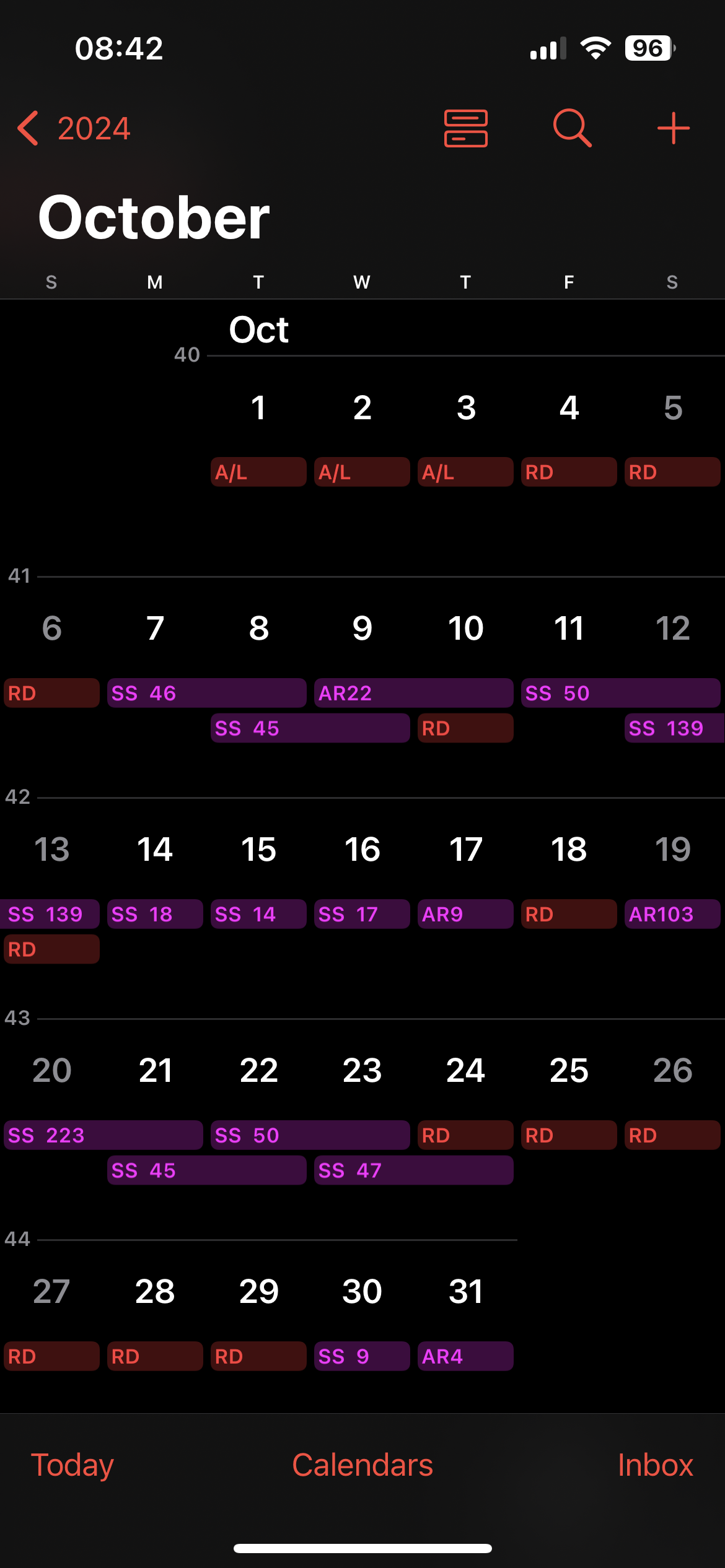
Your shifts and days off are clearly displayed in your calendar app
Pro Tips
Create separate calendars for work days and days off to set different colors for easy visual scanning
When sharing your schedule with family or friends, consider sharing only your days off for privacy
Set up customized notifications for each calendar to get reminders at the right time
Upload Schedule
Drag & drop your TRACS Enterprise CSV file here
- or -